The Prototype Revolution Has Begun
Prototyping is the bridge between imagination and implementation. It turns sketches into interactions, wireframes into experiences, and static mockups into functional flows.
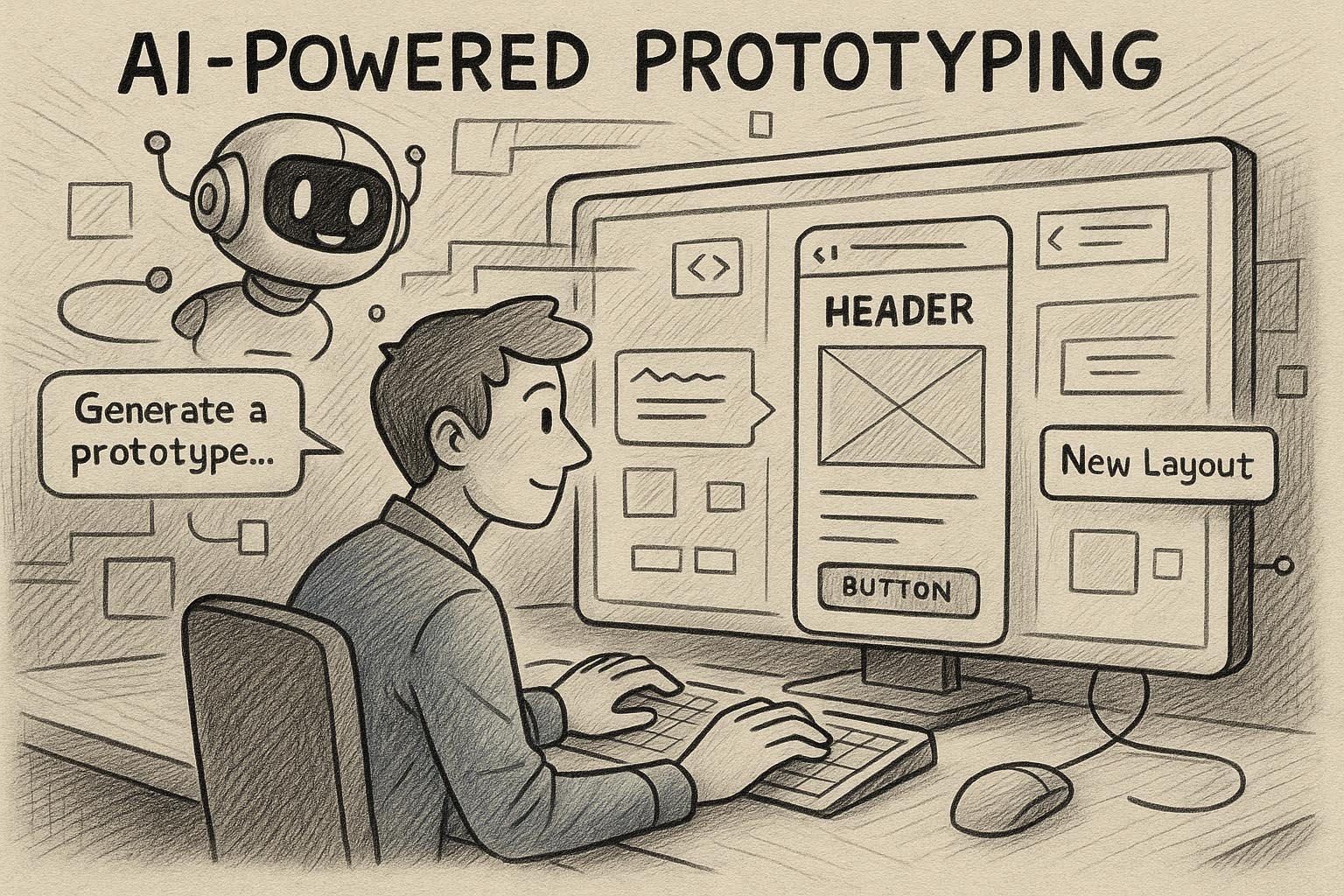
But in today’s fast-paced product cycles, even prototyping must evolve. Enter AI-powered prototyping—a game-changing approach that empowers designers to build, iterate, and test faster, smarter, and more intuitively.
From turning hand-drawn sketches into working UIs to generating entire user flows from text prompts, AI is redefining what’s possible in the design process.
Let’s dive into how this new wave of tools is reshaping the prototyping landscape.
Chapter 1: What Is AI-Powered Prototyping?
AI-powered prototyping refers to the use of artificial intelligence in:
- Generating design components
- Predicting user flow patterns
- Transforming wireframes into clickable interfaces
- Simulating user behavior
- Improving and adapting interfaces in real time
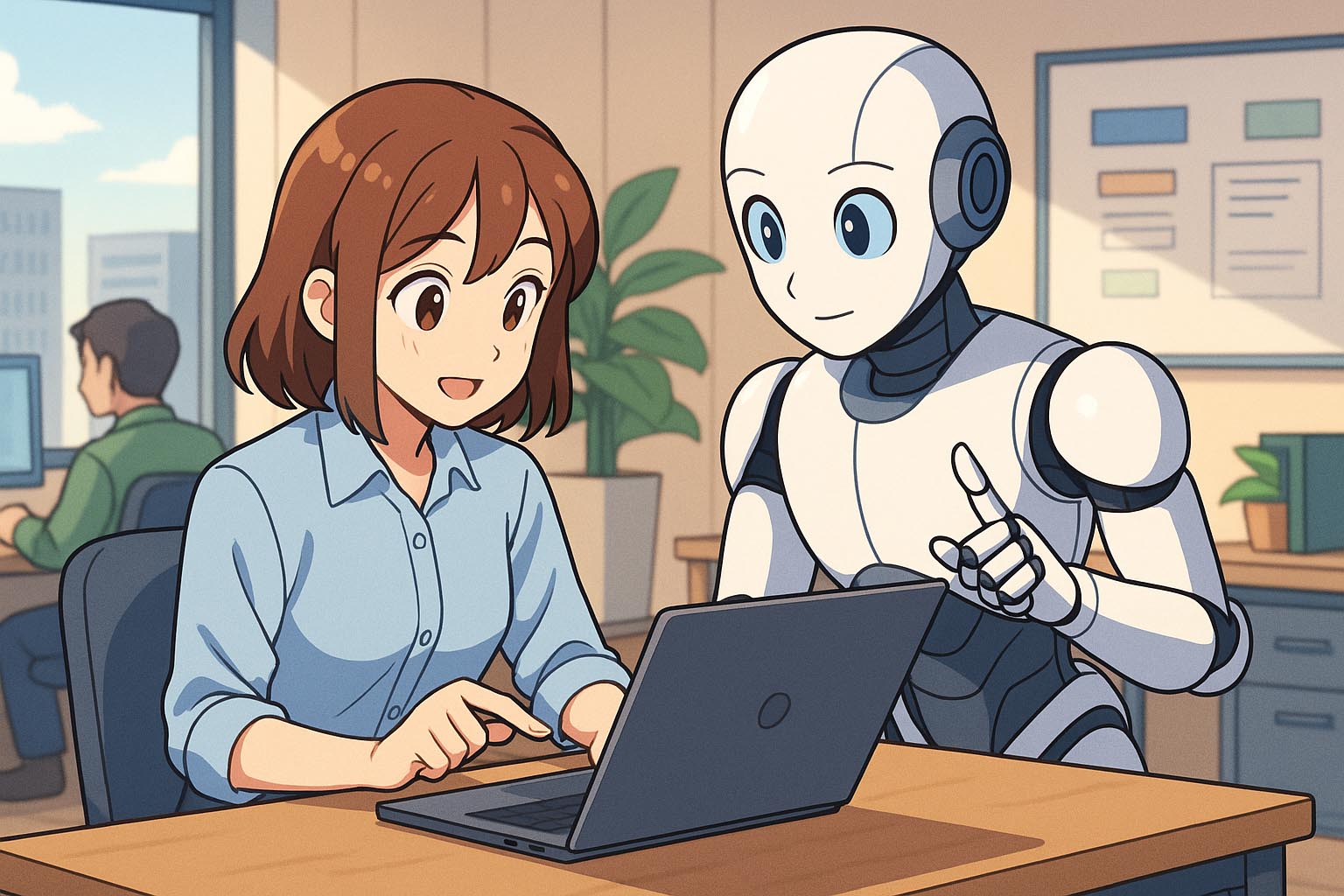
Unlike traditional prototyping, where everything is manual, AI tools act as assistants—building layouts, suggesting components, and enabling live collaboration with unprecedented speed.
Think: Figma meets ChatGPT meets a UX strategist. 🔥
Chapter 2: Why Speed Alone Isn’t Enough
Sure, AI makes things faster. But the real benefit is strategic speed.
AI prototypes:
- Predict what users need
- Offer logic-based component suggestions
- Reduce back-and-forth in the design-develop cycle
- Eliminate repetitive tasks (buttons, layout grids, navigation)
Faster prototyping = more testing = better UX.
Chapter 3: The Key Benefits of AI-Powered Prototyping
| Benefit | Impact on Workflow |
|---|---|
| 🚀 Faster Turnaround | Create MVPs and test flows in hours, not days |
| 🤖 Automation of Layouts | Autogenerate cards, lists, modals based on UX best practices |
| 🧠 Smarter Suggestions | AI recommends components, typography, and spacing |
| 🧪 Instant Testing | Simulate user behavior and heatmaps early |
| 🔁 Rapid Iteration | Tweak, test, and update flows in real time |
| 🔗 Integrated Handoff | Export prototypes straight to developers with specs |
AI doesn’t replace creativity—it amplifies it.
Chapter 4: AI-Powered Prototyping Tools to Know
1. Uizard
- Turn hand-drawn sketches or text prompts into working UIs
- Autocomplete design layouts
- AI heatmaps predict user attention
- Smart theme suggestions from screenshots
2. Framer AI
- Text-to-website generation
- Drag-and-drop prototyping with production-ready code
- Real-time collaboration with dev-ready assets
- Clean, fast, and deployable
3. Figma AI (coming in 2025)
- Auto-generate design elements from plain language prompts
- Intelligent layout suggestions
- FigJam + Figma integration to turn flowcharts into screens
- Smart content fillers and accessibility previews
4. TeleportHQ
- Generate clean front-end code from designs
- AI-assisted responsive layouts
- Built-in design system management
- Real-time deployment for rapid MVPs
5. Galileo AI (UI Generation for SaaS)
- Generates SaaS interfaces from prompts
- Maintains visual consistency and responsiveness
- Great for dashboards, sign-up flows, and product pages
Chapter 5: How AI Builds Prototypes from Prompts
This is the part that feels like magic.
Example:
You type → “Create a mobile sign-up screen with name, email, and password inputs, and a purple gradient background.”
The AI delivers:
- A pixel-perfect mobile layout
- Fields with correct spacing and labels
- A branded CTA button
- Typography and color aligned with design system
No dragging. No resizing. Just instant structure—ready for your creative polish.
Chapter 6: Real-Time Collaboration Meets AI
Modern AI prototyping tools are built for teams. You can:
- Co-design with copywriters and PMs in real time
- Let devs preview logic and component specs
- Use AI assistants to take meeting notes and turn them into wireframes
- Run idea-to-prototype sprints in a single session
This tight loop means fewer handoffs and faster validation.
Chapter 7: AI-Enhanced Usability Testing
Some tools (like Uizard and Maze AI) now let you:
- Simulate user behavior
- Generate early-stage heatmaps
- Predict click paths and drop-off points
- Score prototypes on accessibility and clarity
This means you can optimize UX before a user ever touches the product.
Chapter 8: Best Practices When Using AI Prototyping Tools
AI can do a lot—but smart design requires intention.
✅ Start with a clear goal or user story
✅ Use text prompts with structure and tone
✅ Combine AI suggestions with design principles
✅ Always test for accessibility
✅ Refine layouts to add brand voice and visual storytelling
✅ Don’t overautomate—keep the human in the loop
AI gets you to version 1 fast. Your expertise gets it to version awesome.
Chapter 9: Real Use Cases in 2025
🚀 Startups
- Build full MVP UIs in one day
- Launch landing pages in 30 minutes
- A/B test layouts instantly with AI-generated variants
🏢 Design Agencies
- Save hours on repetitive layout work
- Collaborate across teams in one unified system
- Use AI to generate moodboards, color themes, and flows for clients
🎓 Students & Solo Designers
- Practice faster
- Explore design ideas with no-code prototyping
- Build portfolios with interactive flows quickly
🧠 Product Teams
- Turn Jira stories or Notion docs into wireframes
- Use voice prompts in meetings to generate ideas
- Reduce friction in sprint cycles
Chapter 10: The Future of Prototyping
Looking ahead, AI-powered prototyping will go beyond screens.
Expect:
- Voice-controlled prototyping
- Real-time AR/VR experience previews
- Predictive design (AI suggests what you’ll need before you ask)
- Behavioral AI testing (simulated personas running through your flows)
- Zero-code handoff (design to dev in one click)
And perhaps most exciting: AI that adapts UI per user—designs that customize themselves in real time.
Conclusion: AI + Prototyping = Creative Superpower
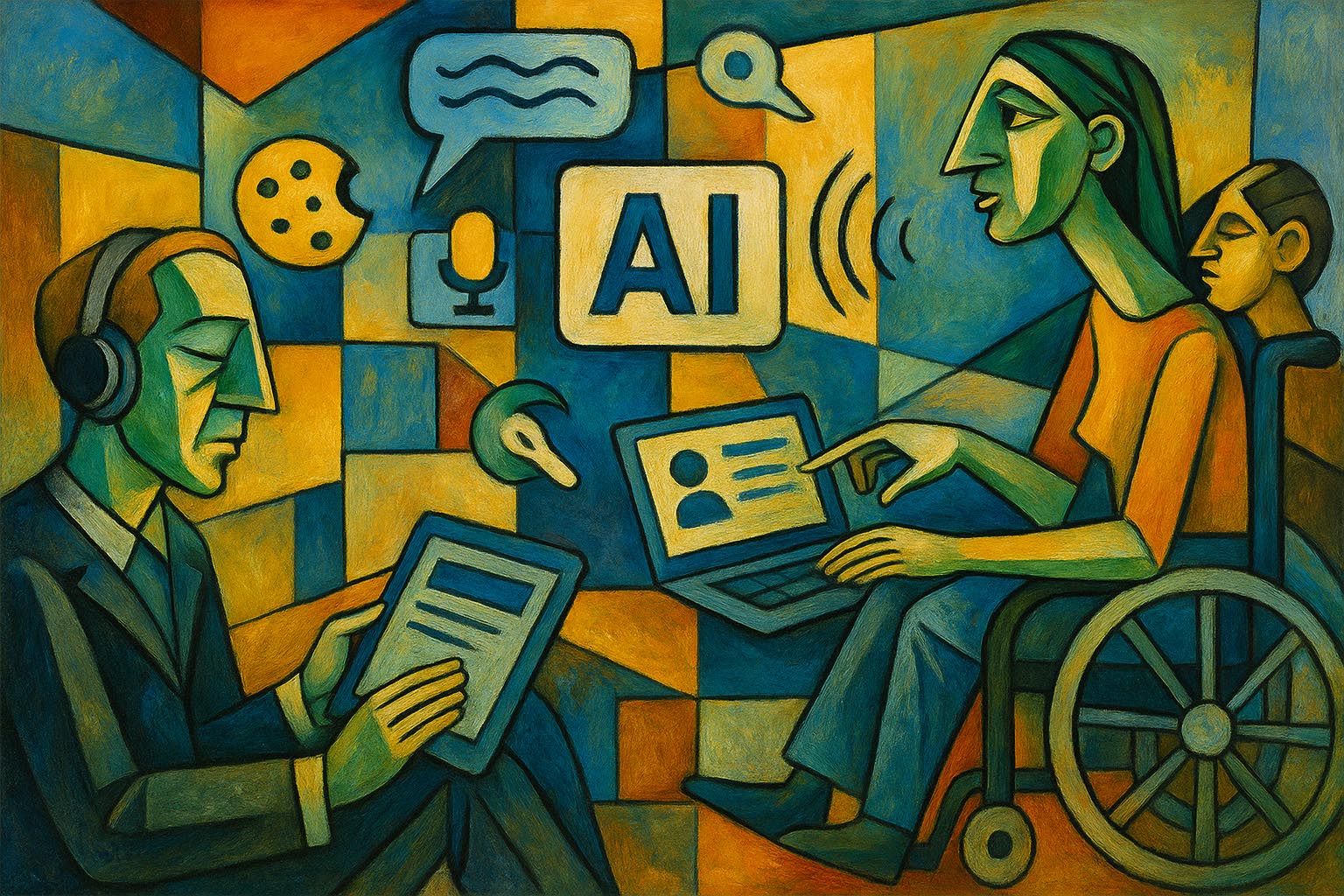
AI-powered prototyping isn’t just about saving time—it’s about unlocking creativity and making the design process more inclusive, collaborative, and user-focused.
By embracing these tools, you give yourself more time to explore, test, iterate, and create experiences that users actually love.
So let AI handle the scaffolding—and you focus on building the future.