From Solo to Synchronized
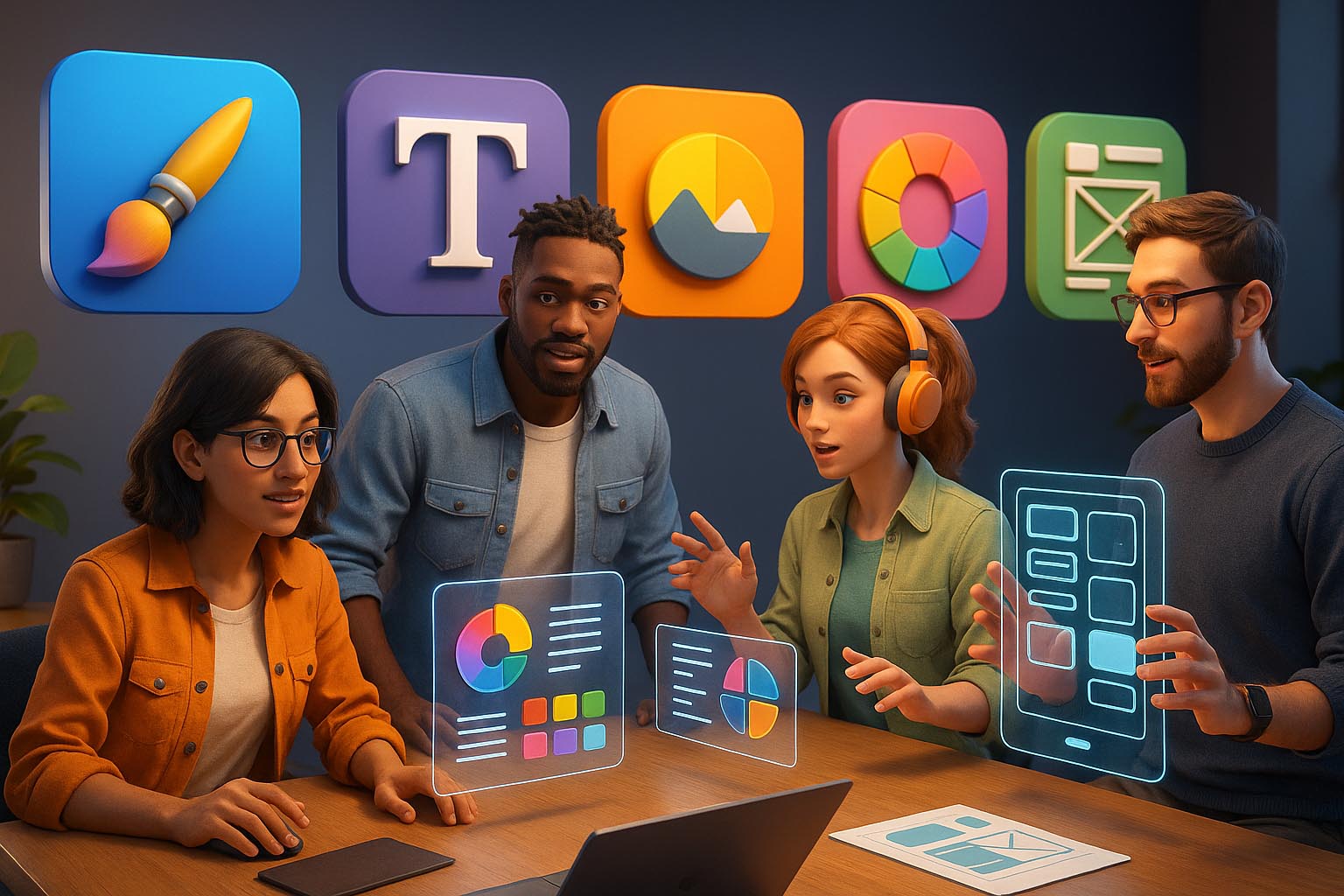
Gone are the days when a designer worked in isolation, passed files via email, and waited days for stakeholder feedback. In today’s agile design landscape, real-time collaboration is the heartbeat of productive UI/UX teams.
With remote work, cross-functional teams, and faster iteration cycles becoming the norm, designers need tools that allow them to think, sketch, test, and ship—together.
This article explores the top real-time collaboration tools used by UI/UX teams in 2025, along with strategies for integrating them into your creative workflow.
Chapter 1: Why Real-Time Collaboration Matters in UI/UX
Designing digital products isn’t just about visuals—it’s about solving problems together.
Real-time collaboration helps UI/UX teams:
- Work simultaneously on files and prototypes
- Gather instant feedback from stakeholders
- Align design with dev and product in real time
- Shorten iteration cycles
- Reduce miscommunication and duplicated work
It’s not just faster—it’s smarter.
Chapter 2: Key Features to Look for in Collaboration Tools
Not all tools are created equal. Great real-time collaboration platforms should include:
✅ Live editing (multi-user support)
✅ Commenting and annotations
✅ Version control and history
✅ Developer handoff capabilities
✅ Plugin or integration ecosystem
✅ Cloud-based access
✅ Security and permission management
✅ Mobile-friendly access
Bonus: Tools that combine design + feedback + development under one roof reduce friction and increase efficiency.
Chapter 3: Top 5 Real-Time Collaboration Tools for UI/UX Teams (2025)
🥇 1. Figma
The Industry Standard for Collaborative Design
Why It’s #1:
- Live multiplayer editing (like Google Docs for design)
- Cross-functional commenting with @mentions
- Auto layout, component libraries, and tokens
- FigJam for brainstorming, wireframing, and user flows
- Developer mode for specs, CSS, and redlines
- AI integration for quick mockups and copy generation
New in 2025:
- Voice comments
- Smart design suggestions
- AI-generated variant testing in FigJam
Best For: Full product teams (design, PM, dev) working together
🥈 2. Framer
Design + Build + Ship — In Real Time
Why It Stands Out:
- Real-time collaborative editing like Figma
- Instant preview of responsive pages
- Direct publishing to web (no dev required)
- Built-in CMS + animations
- Easy handoff for marketing and design teams
Best For: Startups, marketing designers, solo UX/UI creators who want to design and launch in the same day
🥉 3. Miro
Visual Collaboration for the Entire Product Lifecycle
Why It’s Powerful:
- Real-time whiteboarding for remote teams
- UX mapping, journey diagrams, flowcharts
- Live voting, timers, and agile retrospectives
- Supports embedded design assets and wireframes
- Deep integration with Figma, Jira, Slack
Best For: Ideation, discovery, planning, and early UX processes
🏅 4. Zeplin
The Bridge Between Design and Development
Why It’s Crucial:
- Provides pixel-perfect design specs
- Real-time sync with design files from Figma, XD, Sketch
- Developer-friendly documentation
- Supports versioning, user flows, and reusable components
- Enterprise-ready with team roles and approval flow
Best For: Design systems, dev handoff, cross-platform consistency
🎖️ 5. FigJam (now fully integrated with Figma)
Whiteboarding That Designers Actually Love
Why It’s Beloved:
- Sticky notes, stamps, timers, emotes
- UX-specific templates: user flows, wireframes, journey maps
- Supports widgets for voting, AI idea generation
- Great for design sprints, discovery phases, stakeholder alignment
Best For: Brainstorming sessions, remote design critiques, kickoff workshops
Chapter 4: Honorable Mentions
- Milanote: Beautiful moodboarding and visual organization
- Notion + Whimsical: For combined documentation and UI thinking
- InVision Freehand: Lightweight and client-friendly
- Overflow: For user flow diagramming
- Penpot: Open-source Figma alternative with multi-user support
Chapter 5: Use Cases: Real-Time Collaboration in Action
Let’s see how these tools fit into common UI/UX scenarios:
1. Design Sprints
- Use FigJam or Miro for whiteboarding and mapping
- Transition to Figma for prototyping
- Share in Slack or Notion with team voting
2. Client Presentations
- Use Framer for live, responsive mockups
- Enable stakeholders to comment directly on designs
- Record quick video walkthroughs of interactive flows
3. Developer Handoff
- Sync Figma with Zeplin or use Developer Mode
- Include links to design tokens, components, and CSS
- Version-lock your files to avoid design drift
4. Cross-Team Brainstorming
- Use FigJam’s sticky notes + emojis to gather input
- Let PMs and copywriters join directly
- AI helps cluster feedback into action items
Chapter 6: Best Practices for Better Real-Time Design Collab
Real-time tools are powerful—but how you use them matters too.
✅ Set up clear naming conventions (no more “Final_V3-Latest-Final-Final-v5”)
✅ Use commenting responsibly—don’t flood with noise
✅ Lock critical layers or components
✅ Use shared styles and tokens for brand consistency
✅ Assign roles (writer, designer, dev) in each file
✅ Create a version archive to track evolution
Chapter 7: Benefits of Real-Time Collaboration
| Benefit | Impact |
|---|---|
| Faster Iterations | Catch and fix issues immediately |
| Reduced Meetings | Review asynchronously via comments |
| Inclusive Input | Invite stakeholders early |
| Shared Ownership | Less “handoff,” more “handover” |
| More Innovation | Diverse brains = better ideas |
Real-time = Real results.
Chapter 8: Future Trends in Collaboration (2025 and Beyond)
- AI Summarizers: Tools that auto-summarize design feedback
- Live Prototyping: Real-time updates as devs code
- AR Collaboration: Review 3D/UI models in AR space
- Cross-Platform Sync: Edit once, update everywhere
- Real-Time Usability Testing: AI shows user friction live
Design teams in 2025 are not only remote—they’re borderless, multidisciplinary, and ultrafast.
Conclusion: Collaboration Is the New Design Superpower
Design has always been about communication. Now, with real-time collaboration tools, we can communicate through creation itself—live, visual, and together.
Whether you’re prototyping, storyboarding, reviewing, or shipping—embracing collaborative tools is what separates good teams from great ones.
So the next time you open Figma or Framer, remember:
You’re not just designing a screen.
You’re building momentum—with your team, in real time.