Introduction: The Design Revolution Has Arrived
Once upon a time, graphic design required hours of sketching, scanning, resizing, and meticulous pixel pushing.
Then came Photoshop. Then Figma. And now — AI.
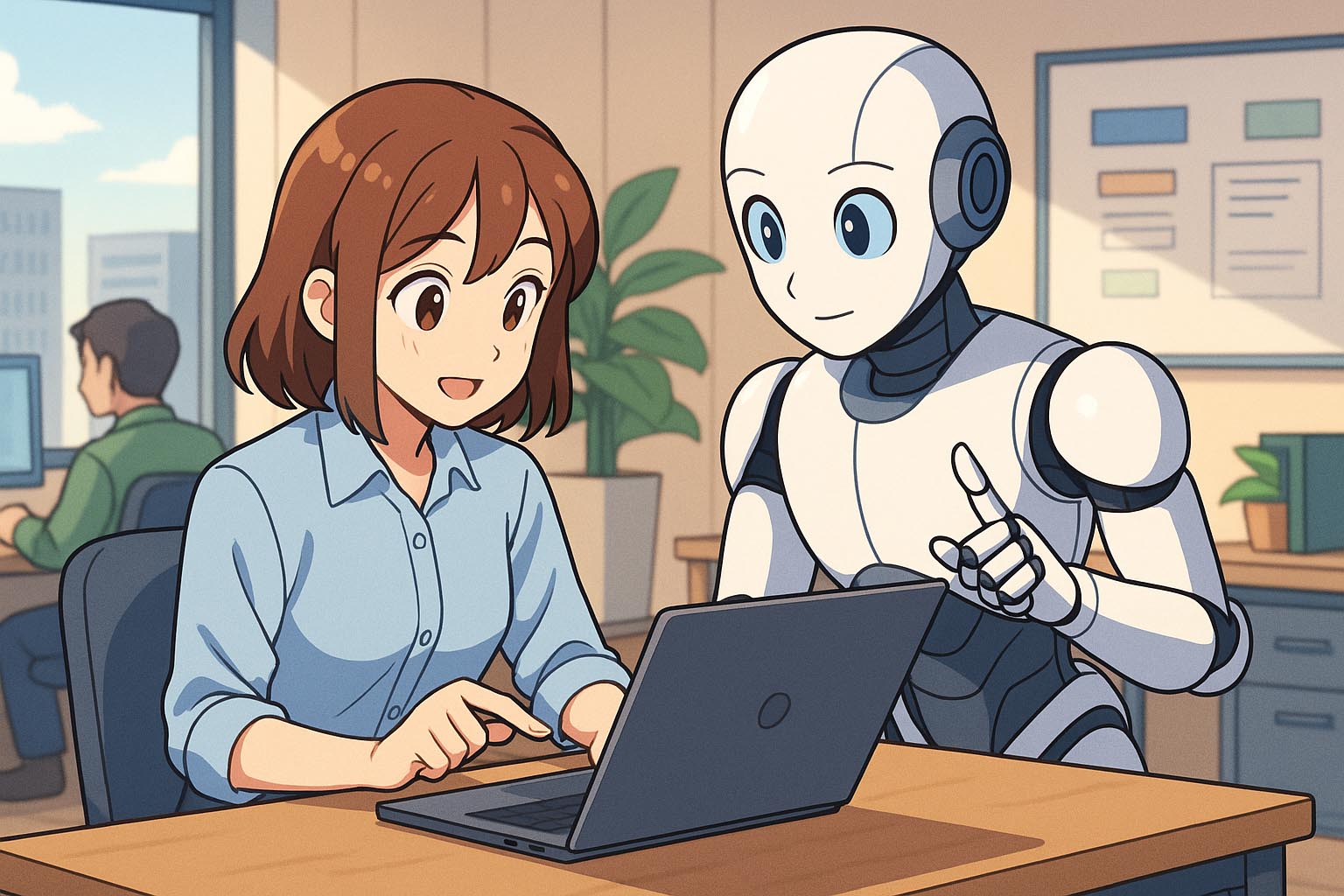
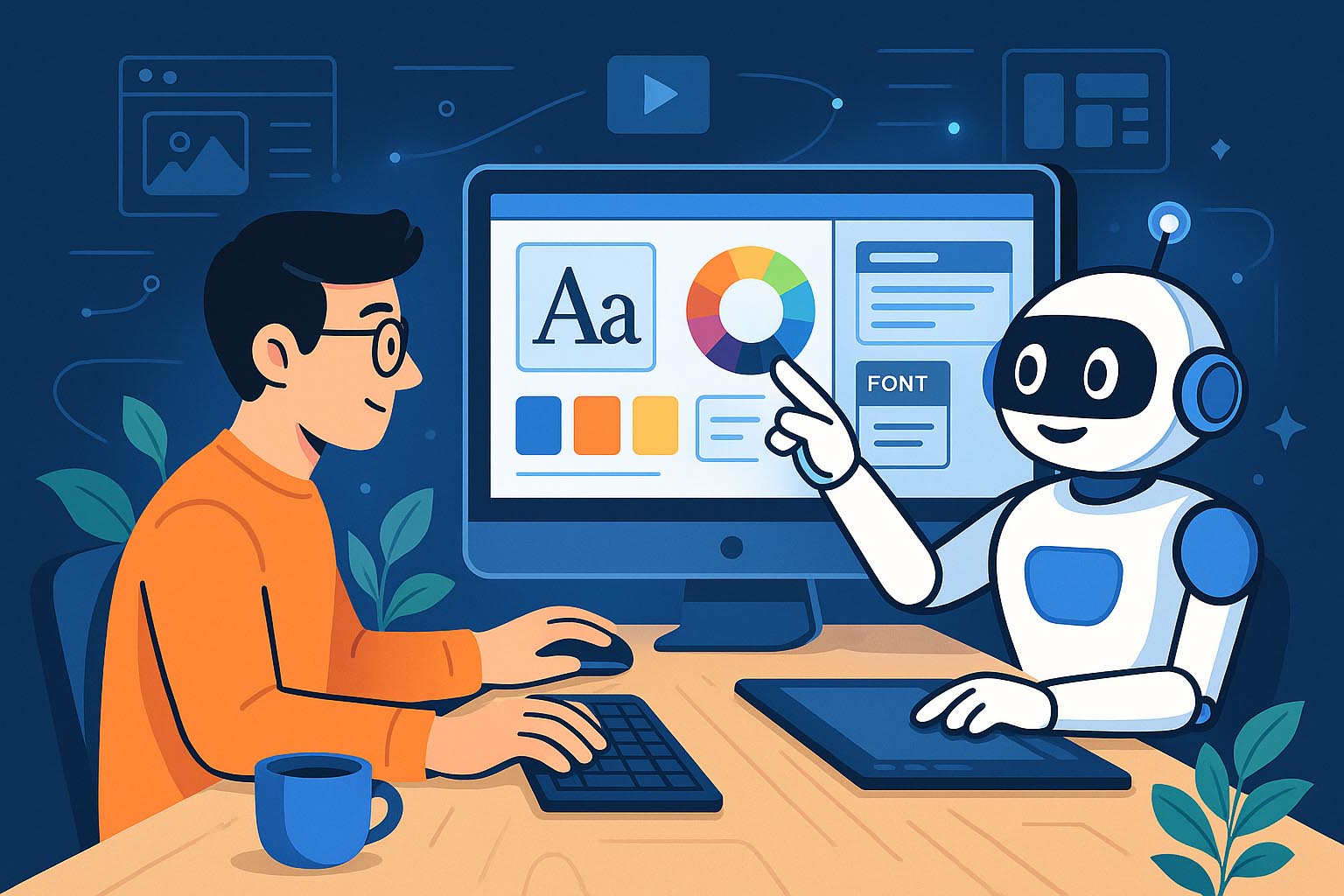
Artificial Intelligence is not replacing designers; it’s evolving design workflows into something faster, smarter, and more collaborative. Whether you’re a solo creator or part of a design agency, AI has become the silent assistant, co-creator, and sometimes even the teacher behind the scenes.
So how exactly is AI reshaping the world of graphic design?
Let’s dive in.
Chapter 1: From Automation to Augmentation
AI in design isn’t about removing humans from the creative process. Instead, it augments human creativity by handling repetitive, time-consuming, or data-driven tasks.
AI tools help with:
- Removing backgrounds in one click
- Suggesting color palettes based on mood boards
- Autogenerating design layouts
- Enhancing photo quality
- Writing text and generating font pairings
- Creating entire visual concepts from a prompt
In short, AI takes care of the “busy work,” letting designers focus on what matters most: ideas and impact.
Chapter 2: Key Areas Where AI is Transforming Design Workflows
1. Image Generation and Concept Exploration
AI-powered platforms like Midjourney, DALL·E, and Adobe Firefly allow designers to generate mockups, concept art, and visual ideas in minutes.
You no longer have to draw 10 thumbnails to pitch a concept. One sentence + AI = 10 variations.
Use Cases:
- Moodboard generation
- Concept exploration for logos or branding
- Visual metaphors for editorial illustration
- Fast prototyping for advertising campaigns
2. Layout and Template Creation
Tools like Canva, Visily, and Framer AI use machine learning to suggest professional layouts automatically, even based on your content.
Use Cases:
- AI-generated Instagram posts
- Automated slide decks
- Website templates customized via prompt
- Dynamic resizing across platforms
3. Photo Editing and Retouching
AI has revolutionized photo manipulation. What used to take 30 minutes in Photoshop now takes 3 seconds with AI tools.
Use Cases:
- AI-powered object removal
- Background replacement
- Auto color correction and skin retouching
- Upscaling images without loss
Top Tools: Luminar AI, Photoshop Generative Fill, Remove.bg
4. Typography and Font Pairing
Choosing the right font is an art—and now AI helps with that too.
Tools like Fontjoy and Typewolf’s AI engine can:
- Recommend font pairings based on mood
- Automatically apply style rules
- Suggest adjustments for readability
- Even generate custom fonts based on descriptions
Imagine typing “a bold but elegant serif font for a luxury skincare app” — and getting a shortlist in seconds.
5. AI in UX/UI Design
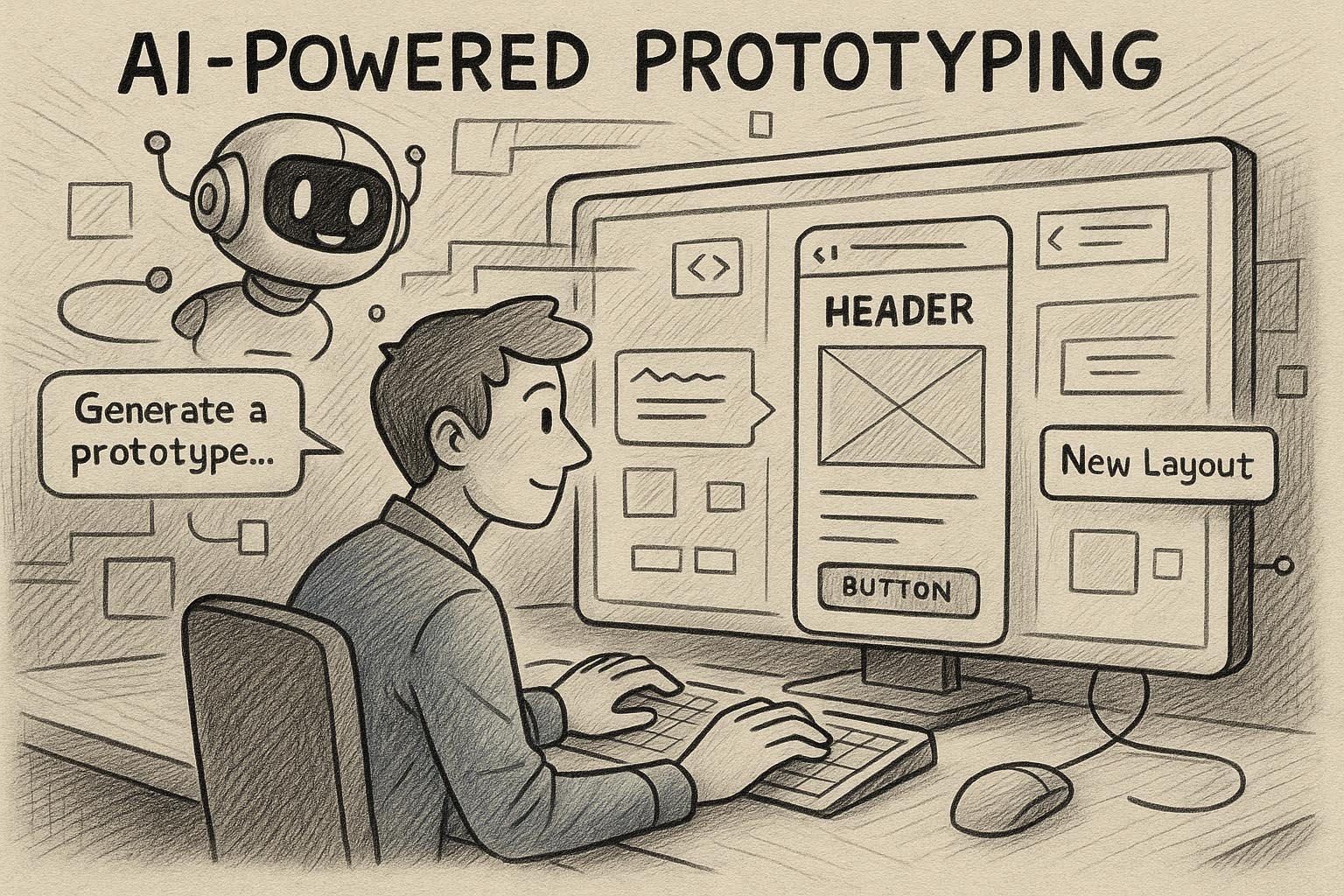
Design tools like Uizard, Penpot AI, and Figma AI (coming soon) now:
- Turn hand-drawn wireframes into interactive prototypes
- Auto-generate design components based on text prompts
- Suggest UX improvements based on heatmaps and data
It’s like having a junior UX researcher and designer in your back pocket.
Chapter 3: Benefits of AI in the Design Workflow
Here’s why designers are embracing AI with open arms:
| Benefit | Explanation |
|---|---|
| Speed | Generate ideas, assets, and iterations in minutes |
| Productivity | Less clicking, more creating |
| Inspiration | Unblock creative ruts with fresh suggestions |
| Cost Efficiency | Reduce need for stock images, freelancers, and long hours |
| Consistency | Maintain style guides and templates with AI rules |
| Accessibility | Non-designers can now build decent visuals, fast |
But of course, with great power comes…
Chapter 4: Challenges and Ethical Considerations
AI in design is powerful—but not perfect.
⚠️ Plagiarism and Copyright
Many AI tools are trained on public images. But where does inspiration end and theft begin? Designers must be cautious about using AI art in commercial projects without clear licensing.
⚠️ Loss of Human Touch
Design is emotion, context, and culture. AI can mimic style, but it doesn’t feel the story behind the brand. Overusing AI can lead to generic, soulless results.
⚠️ Over-reliance
If designers become too dependent on AI, critical thinking and craft may fade. AI should be an assistant, not the artist.
Chapter 5: The AI Designer’s Toolbox (2025 Edition)
Here are some of the top AI tools used by modern designers:
| Tool Name | What It Does |
|---|---|
| Midjourney | High-end concept art generation via prompts |
| Adobe Firefly | Text-to-image, generative fill, and smart retouch |
| Canva AI | Smart resize, Magic Design, text/image generation |
| Runway ML | Video editing, background removal, inpainting |
| Fontjoy | AI-powered font pairing suggestions |
| Uizard.io | Turn wireframes into UI prototypes |
| Khroma | AI-based color palette generation |
| Framer AI | Build responsive websites from prompts |
| Remove.bg | One-click background removal |
| Let’s Enhance | Smart image upscaling |
Most of these tools offer free trials or generous free tiers—so designers of all levels can start experimenting today.
Chapter 6: How Agencies Are Integrating AI
AI is not just for solo designers—agencies and design teams are integrating AI into their workflows at scale.
Examples:
- AI brief interpretation: Translate client briefs into visual direction
- Moodboard generators: Rapid-fire style scoping in early pitches
- Smart asset versioning: Generate variations for ads in seconds
- Real-time collaboration: Using AI in meetings for idea exploration
- AI QA Tools: Check for contrast, accessibility, and brand consistency
For agencies, AI offers an edge in speed, productivity, and cost-efficiency—especially in high-volume environments like advertising, publishing, and e-commerce.
Chapter 7: The Future of Design: Collaboration, Not Competition
Here’s the big truth:
AI won’t replace designers. Designers who use AI will replace those who don’t.
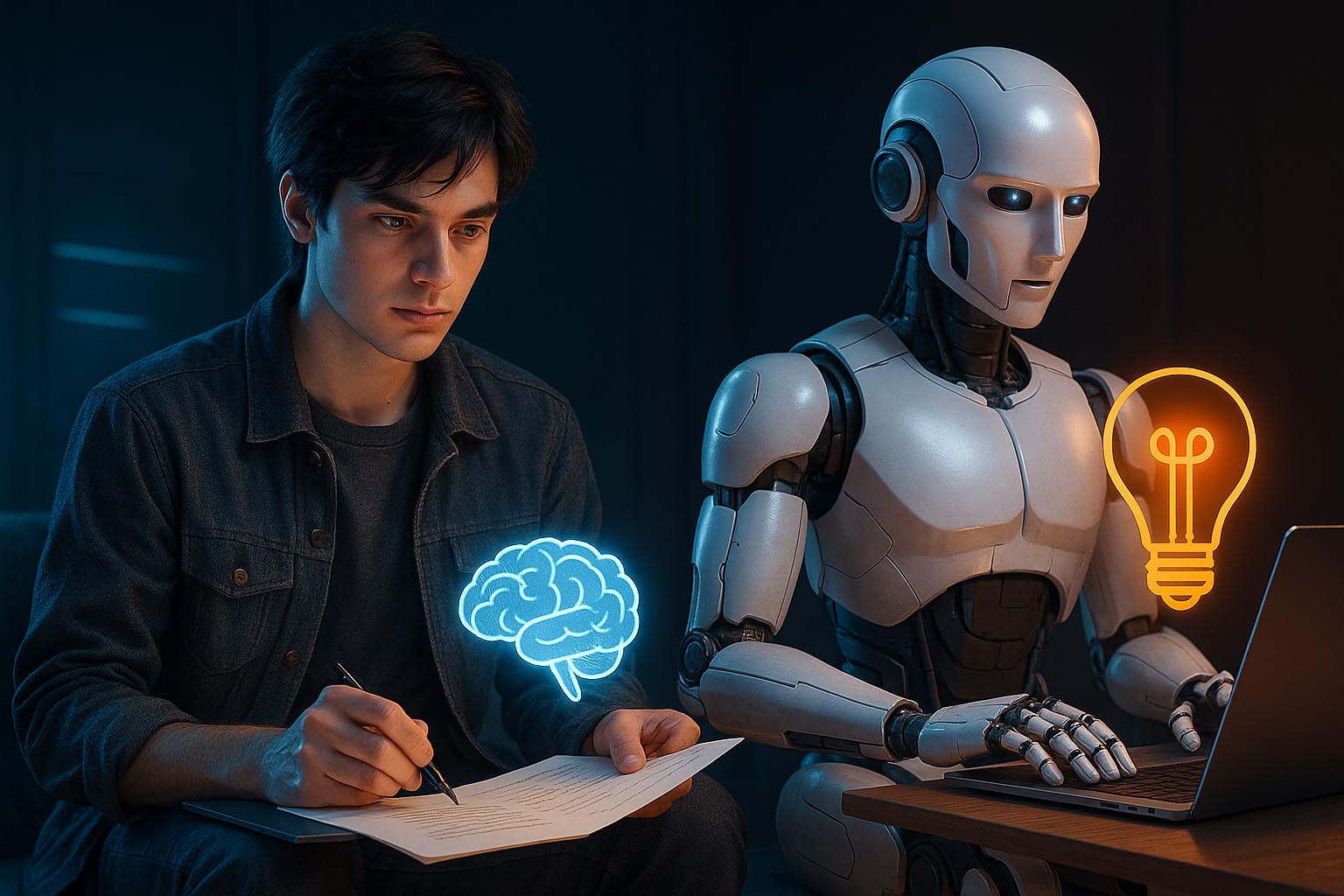
The best results come from the fusion of human intuition and machine intelligence. A designer’s eye, cultural sensitivity, and emotional intelligence—paired with AI’s speed, pattern recognition, and scale—creates design magic.
Future workflows will likely include:
- AI “co-pilots” built into every major design tool
- Smart feedback during live editing
- Real-time brand guideline enforcement
- Voice- or text-prompt-based UI building
- Personalized design suggestions based on project history
It’s no longer “man vs machine.” It’s “man + machine = masterpiece.”
Conclusion: Embrace the Shift
Whether you’re a designer, creative director, or design educator — AI isn’t the enemy of creativity. It’s the evolution of it.
This is your moment to:
- Explore new tools
- Rethink old habits
- Redesign your workflow
- And lead the creative future
Welcome to the era of intelligent design. Let AI take care of the process—so you can focus on the possibility.